Less paperwork.
More done.
Merge, split, compress, and organize PDFs in a few clear steps. Files stay private on your device without server uploads.
Drop a document or image here, or choose a file
Supports PDF, JPG, PNG, WebP, Word, Excel, PowerPoint & more
Popular shortcuts:
Explore All PDF Tools
Find the exact conversion, editing, security, or page workflow you need
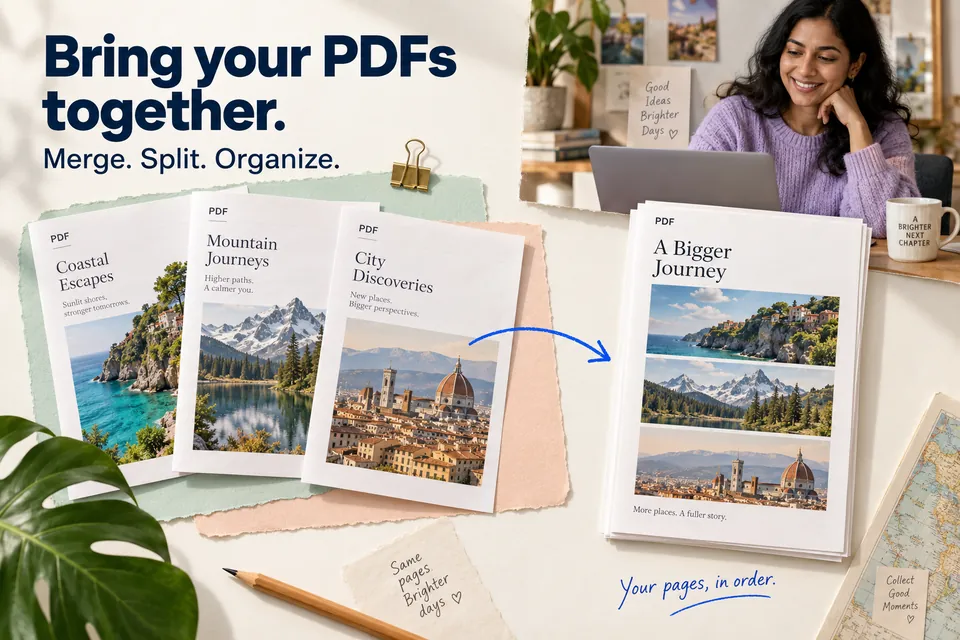
Merge PDF
Combine multiple PDF files into one document in the exact order you choose.
Split PDF
Split a PDF by page ranges and download new files.
Remove Pages
Delete selected pages from a PDF and save a cleaned version.
Extract Pages
Extract specific pages from a PDF into a new standalone PDF.
Organize PDF
Reorder PDF pages using a custom page sequence.
Reverse Pages
Reverse the page order of a PDF in your browser.
Scan to PDF
Turn images or scanned photos into a single PDF document.
Remove Blank Pages
Detect and remove nearly empty pages from a PDF.
Compress PDF
Optimize PDF structure to reduce file size where possible.
Repair PDF
Recover and rebuild PDF files by re-saving document structure safely.
OCR PDF
Extract readable text from text-based PDF pages into plain text.
Image to PDF
Convert mixed image files into a single PDF directly in your browser.
JPG to PDF
Convert one or many images to a PDF file fully client-side.
PNG to PDF
Convert PNG screenshots and graphics into PDF files entirely in your browser.
WebP to PDF
Turn WebP images into PDF files with private in-browser processing.
Word to PDF
Convert Word documents to PDF directly in your browser.
RTF to PDF
Convert rich text files into PDF locally in your browser.
PowerPoint to PDF
Convert PPT, PPTX, and ODP files to PDF directly in your browser.
Excel to PDF
Convert spreadsheets to PDF directly in your browser.
HTML to PDF
Convert HTML content into a readable PDF document.
TXT to PDF
Turn plain text and markdown files into paginated PDFs in your browser.
Markdown to PDF
Convert markdown notes and documentation into clean PDFs.
JSON to PDF
Convert structured JSON into readable PDF pages.
PDF to JPG
Render PDF pages as JPG images directly in your browser.
PDF to PNG
Render PDF pages as PNG images directly in your browser.
PDF to WebP
Export PDF pages as lightweight WebP images in your browser.
PDF to Word
Export extracted PDF text into DOC-compatible plain text output.
PDF to PowerPoint
Build a PPTX presentation from extracted page text for further editing.
PDF to Excel
Export extracted PDF text to CSV-like output for spreadsheet workflows.
PDF to JSON
Extract PDF text and page information into JSON.
PDF to PDF/A
Normalize and rebuild PDF files for improved long-term compatibility.
PDF to Markdown
Extract PDF text into markdown sections for docs and notes.
Rotate PDF
Rotate all pages in a PDF by 90, 180, or 270 degrees.
Add Page Numbers
Insert page numbers in your PDF with custom position and start index.
Add Watermark
Overlay watermark text across each page with explicit placement controls.
Header & Footer
Add repeating top and bottom text with optional page numbers.
Crop PDF
Crop page margins from a PDF using custom edge values.
Edit PDF
Add visible notes or stamps to PDF pages in your browser.
View Metadata
Inspect document title, author, subject, and page details.
Edit Metadata
Update PDF title, author, subject, and keywords locally.
Unlock PDF
Open and rebuild restricted PDFs for unrestricted viewing.
Protect PDF
Encrypt a PDF with an AES-256 password or add visible ownership markers.
Remove Metadata
Clear stored PDF document properties for better privacy.
Sign PDF
Apply signature text onto each page of your PDF.
Redact PDF
Apply redaction overlays to conceal sensitive content.
Compare PDF
Generate a quick comparison report between two PDF files.
Translate PDF
Extract PDF text and prepare it for translation workflows.
Start with a task
Pick a real-world document goal and jump straight into the workflow

Merge files in exact order
Combine proposals, contracts, and attachments into a unified, shareable PDF.


Keep only what matters
Extract essential sections or split large PDFs into separate chapters with 1 click.


Turn photos into documents
Convert camera shots, receipts, and scans into a clean, searchable PDF.

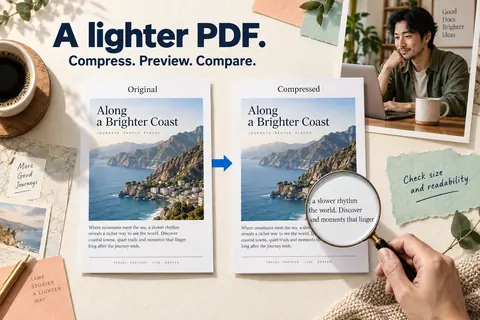
Make space for upload portals
Reduce PDF file size for fast email delivery while keeping text razor-sharp.
Automate Multi-Step PDF Workflows
Run automated document pipelines like Compress → Watermark → Password Protect in one click — 100% locally in your browser.
Process PDFs with Confidence
Experience a faster, more secure way to manage your documents—entirely within your browser.
Private local processing
Your files are processed on your device, not on our servers.
No upload bottlenecks
Skip the wait. Files process instantly in your browser.
No registration required
Use all features without signing up or creating an account.
Fast PDF workflows
Combine, compress, and convert in seconds, not minutes.
Used & Recommended By
Why Choose Browser PDF converter?
Built for privacy-focused PDF workflows with in-browser processing and modern UX.
Privacy-first processing
No file uploads to processing servers for core operations.
Fast local performance
Quick results with local execution and responsive controls.
No lock-in
Powerful tools: merge, split, compress, convert, edit, secure, and OCR.
Works everywhere
Clear interface designed for both casual and professional users.
Browser PDF converter vs Other Tools
Compare key capabilities for modern PDF workflows.
| Feature | BrowserPDFConverter | Other PDF Tools |
|---|---|---|
| Privacy model | Local browser processing | Often server upload first |
| Sign-up requirement | No | Often required |
| Core PDF tools | Comprehensive | Varies by plan |
| ZIP output support | Yes | Limited or paid |
| Placement controls | Explicit X/Y options | Often presets only |
| Speed | Fast local execution | Depends on upload speed |
| Cost | Free core workflow | Tiered limits common |
| Mobile UX | Optimized | Varies |
Use PDF Tools in 3 Easy Steps
Upload, configure, process, and download.
Upload your file
Drag and drop files or browse from your device.
Choose options
Set page ranges, placement, output format, or compression level.
Download output
Get processed files instantly, including ZIP output for multi-file results.
Who Uses Browser PDF converter?
Trusted by teams, students, admins, and privacy-conscious users.
Teams & Operations
Prepare reports, combine PDFs, and streamline document workflows.
Students & Educators
Split chapters, organize notes, and add page numbers quickly.
Legal & Finance
Redact data, protect files, and maintain controlled document sharing.
HR & Admin
Standardize forms, convert office docs, and manage signed files.
Analysts
Convert tables and reports between PDF and editable formats.
Privacy-focused Users
Run sensitive document operations entirely in-browser.
Frequently Asked Questions
Everything you need to know about PDF conversion and editing.
Which PDF tools are available?
Can I split one PDF and download all outputs as ZIP?
Can I choose exact position for watermark and page numbers?
Is OCR handled in the browser?
Do files leave my device?
Is registration required?
Can I use this on mobile?
Do you add watermark to outputs?
What input types are supported?
Does it work for large documents?
Complete Free Online PDF Tools
Browser PDF converter provides a complete PDF toolkit for merge, split, compression, conversion, OCR, editing, security, and document preparation with private in-browser execution.
Popular PDF Conversions
Document Format Conversions
- JPG to PDF - Convert one or many images to a PDF file fully client-side.
- Word to PDF - Convert Word documents to PDF directly in your browser.
- PDF to JPG - Render PDF pages as JPG images directly in your browser.
- PDF to Word - Export extracted PDF text into DOC-compatible plain text output.
PDF Editing and Security Tools
- Merge PDF - Combine multiple PDF files into one document in the exact order you choose.
- Split PDF - Split a PDF by page ranges and download new files.
- Compress PDF - Optimize PDF structure to reduce file size where possible.
- Protect PDF - Encrypt a PDF with an AES-256 password or add visible ownership markers.