Practical guide
When and how to use Rotate PDF
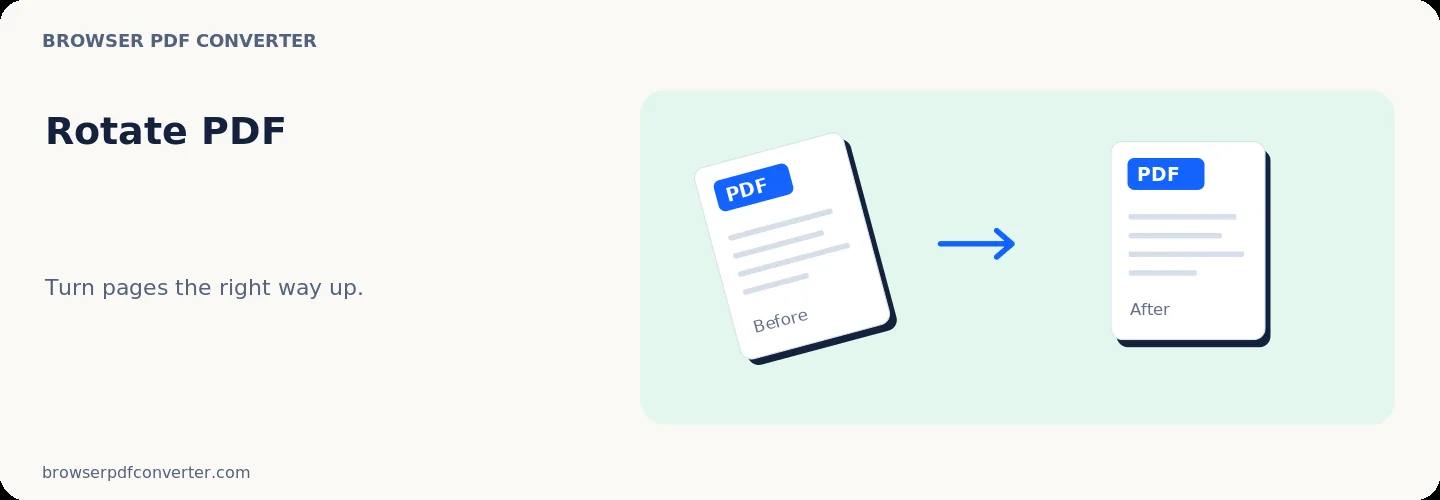
Rotate PDF changes page orientation in 90-degree increments. It fixes sideways scans without altering the order or the visible content of each page.
Rotation is different from cropping: the whole page remains present, but its viewing direction changes.
Best used for
- Correcting phone scans
- Fixing landscape pages in a portrait document
- Preparing pages for printing
Quality checklist
- Preview mixed-orientation documents carefully
- Use 180 degrees for upside-down scans
- Download and reopen the file to verify orientation