PDF to PowerPoint

Notice: Exports page text and slide outlines. Client-side rebuild does not replicate proprietary PowerPoint slide animations or master templates.

Visual workflow guide

How PDF to PowerPoint organizes your document

PDF to PowerPoint workspace reference

About this tool

Clear, private processing

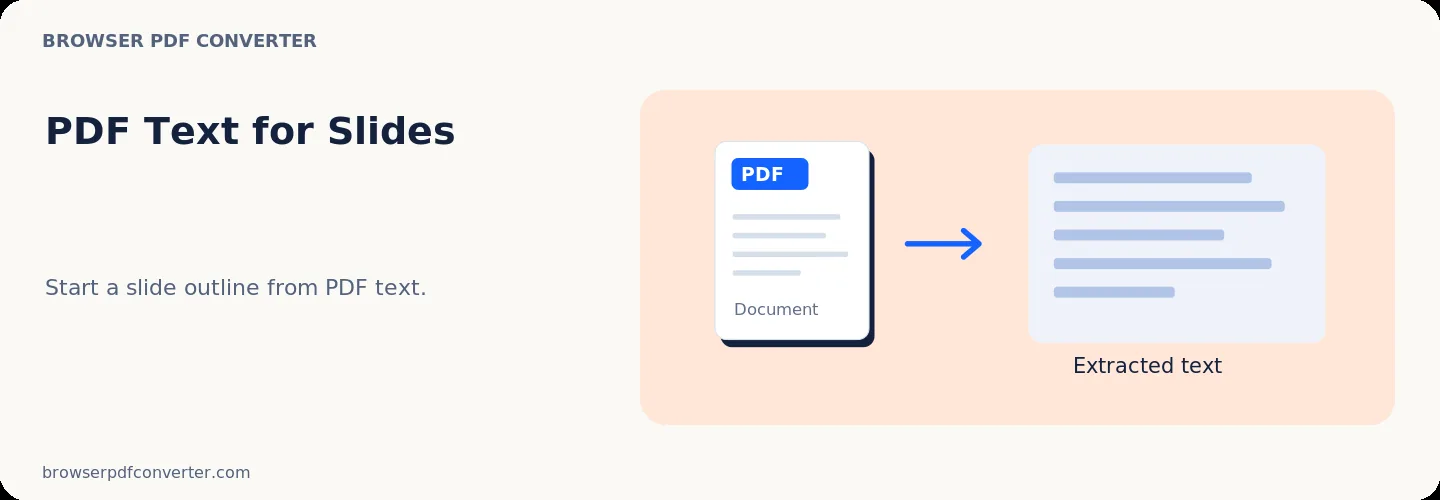
Build a PPTX presentation from extracted page text for further editing. The workspace keeps previews, controls, and downloads together without confusing steps.

100% Private

Files stay on your device and are never uploaded to an external server.

Fast execution

PDF to PowerPoint runs on your device with WebAssembly and modern browser APIs.

No account required

Use the tool without registration, subscriptions, or hidden queues.

Quick guide

3 simple steps

1

Add your file

Select or drop your file into PDF to PowerPoint. Previews and processing stay in your browser.

2

Adjust settings

Customize pages, order, quality, or formatting before processing.

3

Process and download

Run the action and download the result directly to your device.

Practical guide

When and how to use PDF to PowerPoint

PDF to PowerPoint extracts page graphics, headings, and body paragraphs from PDF documents and rebuilds them into editable PPTX slides. It saves hours of manual retyping when an original presentation deck was lost.

Reconstruction operates directly in your browser without compromising confidential slide material.

Best used for

  • Rebuilding presentations from exported PDF decks
  • Reusing slide graphics and tables in new presentations
  • Updating outdated presentation content without source files

Quality checklist

  • Verify slide element alignments after conversion
  • Check font substitutions for custom corporate typography
  • Review extracted tables and diagrams

Related actions

Similar PDF tools you might need

Browse all

FAQ

Frequently asked questions

Can I edit text in the generated PowerPoint file?

Yes. Recognized text blocks and paragraphs are converted into editable PowerPoint text boxes.

Are slide backgrounds preserved?

Visual slide layouts and background graphics are reconstructed into individual slides.

Is this PDF tool free to use?

Yes. Every tool here is free and works directly in your browser with no account required.

Are my files uploaded to a server?

No. Files are processed locally in your browser. Your data stays on your device.