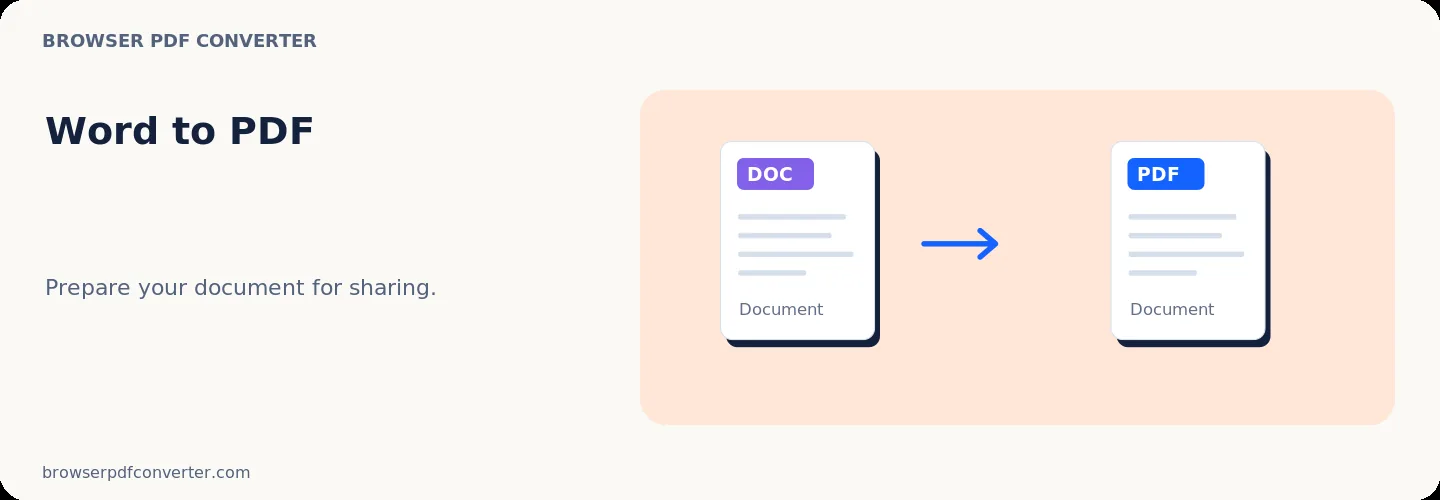
Word to PDF

Visual workflow guide

How Word to PDF organizes your document

Word to PDF workspace reference

About this tool

Clear, private processing

Convert Word documents to PDF directly in your browser. The workspace keeps previews, controls, and downloads together without confusing steps.

100% Private

Files stay on your device and are never uploaded to an external server.

Fast execution

Word to PDF runs on your device with WebAssembly and modern browser APIs.

No account required

Use the tool without registration, subscriptions, or hidden queues.

Quick guide

3 simple steps

1

Add your file

Select or drop your file into Word to PDF. Previews and processing stay in your browser.

2

Adjust settings

Customize pages, order, quality, or formatting before processing.

3

Process and download

Run the action and download the result directly to your device.

Practical guide

When and how to use Word to PDF

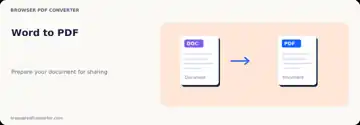
Word to PDF creates a fixed-layout copy of a DOC, DOCX, ODT, or RTF document for sharing and printing. A PDF is helpful when the recipient should see stable pages rather than continue editing the source.

Browser conversion can differ from Microsoft Word when a document depends on unavailable fonts, macros, complex fields, or desktop-only layout behavior.

Best used for

  • Sharing a résumé with stable formatting
  • Exporting letters and reports
  • Preparing a document for printing or signing

Quality checklist

  • Accept or reject tracked changes first
  • Check page breaks and substituted fonts
  • Keep the editable source document
Related actions

Similar PDF tools you might need

Browse all

FAQ

Frequently asked questions

Will the PDF look exactly like Microsoft Word?

Simple documents usually convert well, but complex fields, fonts, and layouts can differ in a browser renderer.

Are comments and tracked changes included?

That depends on how they are represented in the source. Finalize review markup before conversion when it must not appear.

Is this PDF tool free to use?

Yes. Every tool here is free and works directly in your browser with no account required.

Are my files uploaded to a server?

No. Files are processed locally in your browser. Your data stays on your device.