JPG to PDF

Visual workflow guide

How JPG to PDF organizes your document

JPG to PDF workspace reference

About this tool

Clear, private processing

Convert one or many images to a PDF file fully client-side. The workspace keeps previews, controls, and downloads together without confusing steps.

100% Private

Files stay on your device and are never uploaded to an external server.

Fast execution

JPG to PDF runs on your device with WebAssembly and modern browser APIs.

No account required

Use the tool without registration, subscriptions, or hidden queues.

Quick guide

3 simple steps

1

Add your file

Select or drop your file into JPG to PDF. Previews and processing stay in your browser.

2

Adjust settings

Customize pages, order, quality, or formatting before processing.

3

Process and download

Run the action and download the result directly to your device.

Practical guide

When and how to use JPG to PDF

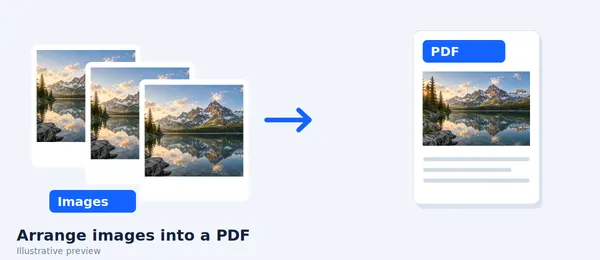
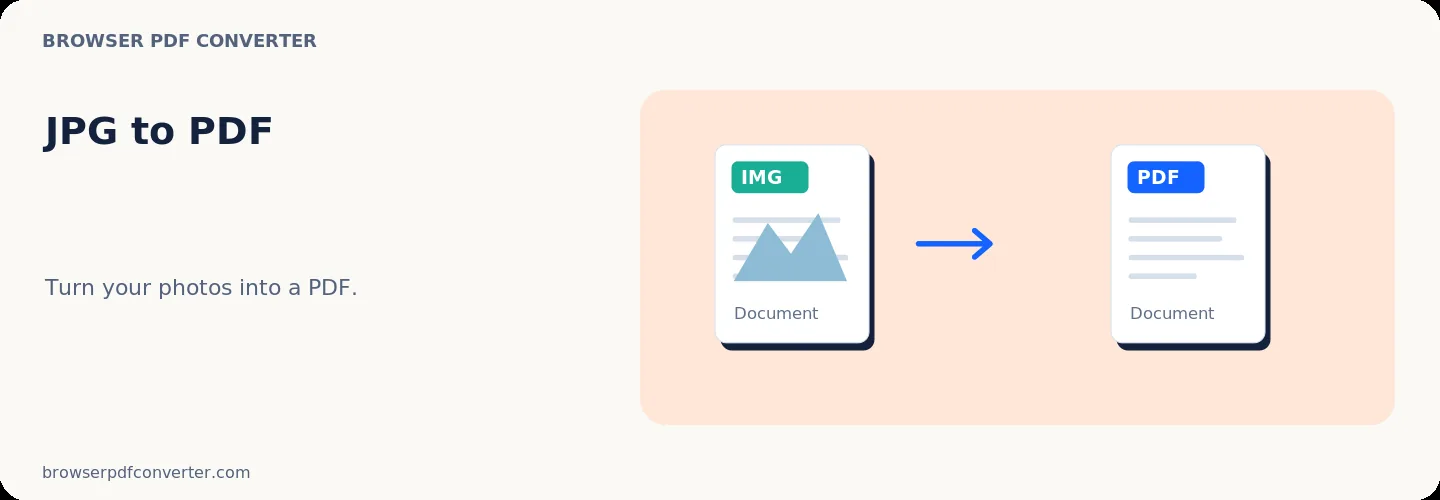
JPG to PDF packages one or more JPEG images as document pages. It is a practical way to submit camera scans, signed forms, or photographed receipts to systems that require PDF.

JPEG is already lossy, so repeated editing and re-saving can soften small text. Start with the highest-quality originals available.

Best used for

  • Submitting photographed forms
  • Combining receipt photos
  • Turning exported slides into a single document

Quality checklist

  • Crop and rotate photos first
  • Place pages in reading order
  • Inspect signatures and small print after export

Related actions

Similar PDF tools you might need

Browse all

FAQ

Frequently asked questions

Can I put several JPG files in one PDF?

Yes. Add the images together and arrange them in the order in which they should appear.

Does JPG to PDF improve image quality?

No. The PDF wraps the existing image; it cannot recreate detail that is missing from the JPG.

Is this PDF tool free to use?

Yes. Every tool here is free and works directly in your browser with no account required.

Are my files uploaded to a server?

No. Files are processed locally in your browser. Your data stays on your device.