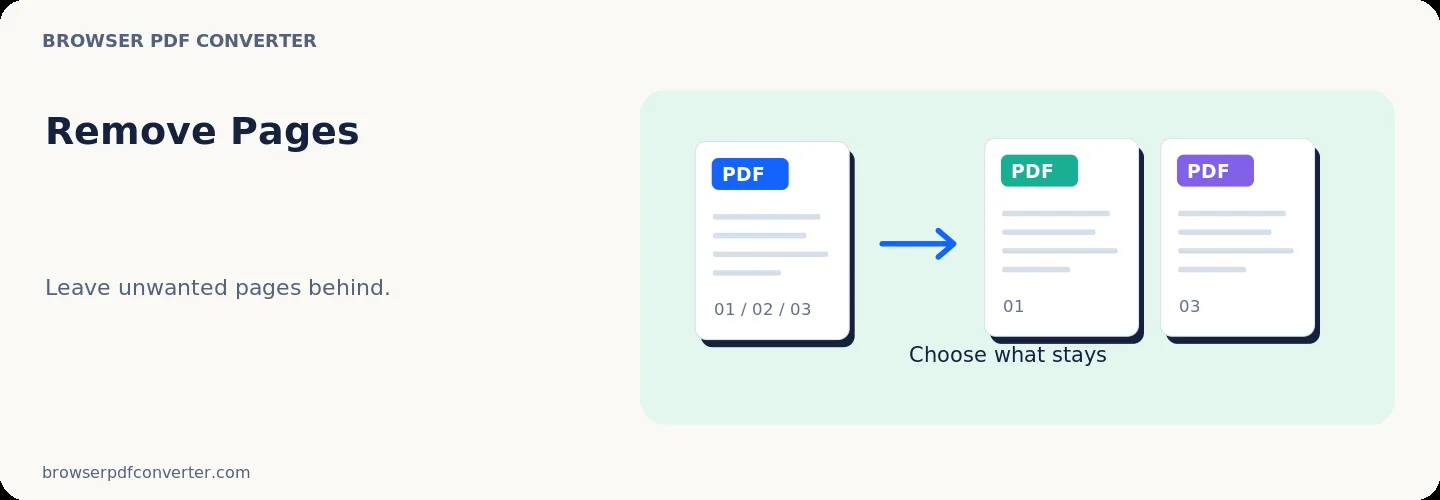
Remove Pages

Visual workflow guide

How Remove Pages organizes your document

Remove Pages workspace reference

About this tool

Clear, private processing

Delete selected pages from a PDF and save a cleaned version. The workspace keeps previews, controls, and downloads together without confusing steps.

100% Private

Files stay on your device and are never uploaded to an external server.

Fast execution

Remove Pages runs on your device with WebAssembly and modern browser APIs.

No account required

Use the tool without registration, subscriptions, or hidden queues.

Quick guide

3 simple steps

1

Add your file

Select or drop your file into Remove Pages. Previews and processing stay in your browser.

2

Adjust settings

Customize pages, order, quality, or formatting before processing.

3

Process and download

Run the action and download the result directly to your device.

Practical guide

When and how to use Remove Pages

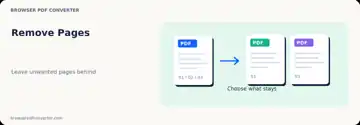
Remove Pages deletes selected pages from your PDF without re-encoding unaffected content. Select individual page thumbnails or type page numbers to strip unneeded covers, blank dividers, or confidential appendices.

The remaining pages retain their original resolution, vector assets, and formatting so the document is immediately ready for distribution.

Best used for

  • Deleting obsolete cover letters or draft pages
  • Removing confidential pages before public filing
  • Trimming blank or damaged divider sheets

Quality checklist

  • Confirm the exact page numbers using thumbnail view
  • Keep your source file in case a needed page was excluded
  • Check total page count after export
Related actions

Similar PDF tools you might need

Browse all

FAQ

Frequently asked questions

Does removing pages reduce the quality of remaining pages?

No. The pages kept in your document maintain their original resolution, text layout, and image quality.

Can I remove multiple non-consecutive pages at once?

Yes. Select whichever page thumbnails you wish to delete before generating the updated PDF.

Is this PDF tool free to use?

Yes. Every tool here is free and works directly in your browser with no account required.

Are my files uploaded to a server?

No. Files are processed locally in your browser. Your data stays on your device.