Practical guide
When and how to use Split PDF
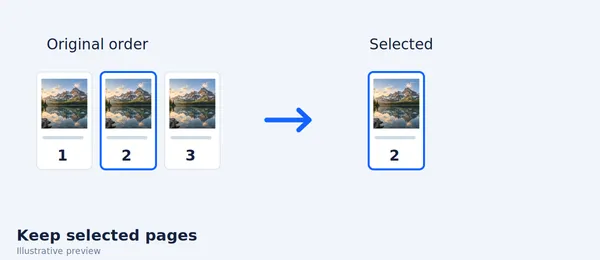
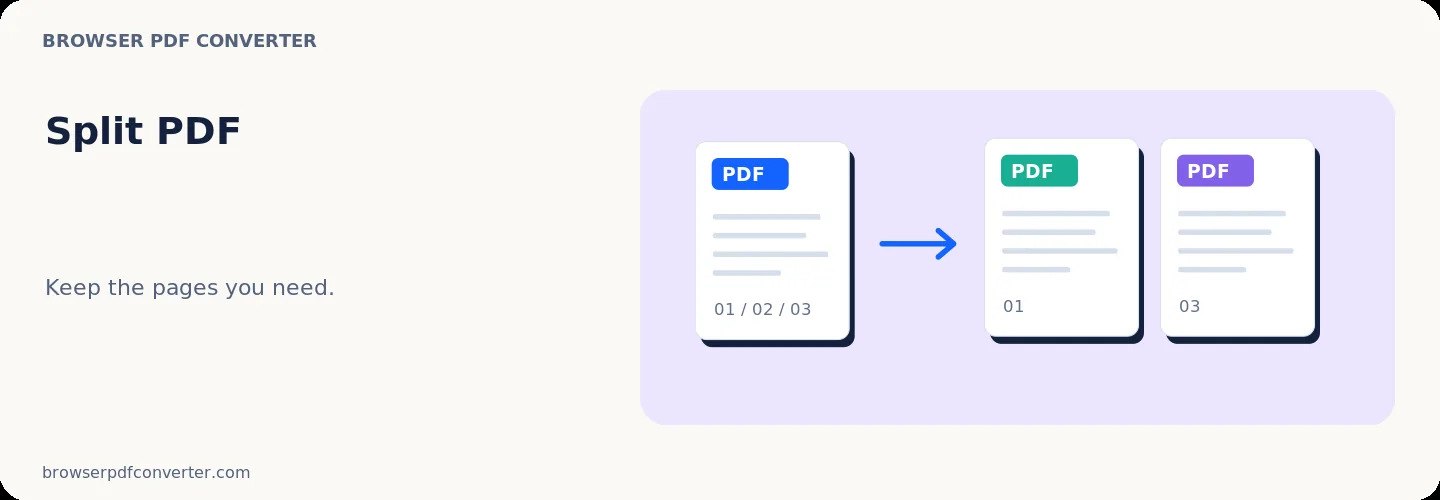
Split PDF creates a smaller document from the page range you choose. It is designed for extracting a chapter, separating a scanned bundle, or sharing only the relevant section.
Page numbers in the selector refer to the PDF page sequence, which can differ from numbers printed inside a report.
Best used for
- Separating chapters or appendices
- Reducing a large filing to the requested pages
- Creating one document per scanned section
Quality checklist
- Use the page thumbnails to confirm the range
- Check printed page labels against PDF page positions
- Keep the source PDF until every output is verified