PDF to Excel

Notice: Extracts tabular data into a structured XLSX workbook locally. Tables with consistent spacing or borders convert most cleanly.

Visual workflow guide

How PDF to Excel organizes your document

PDF to Excel workspace reference

About this tool

Clear, private processing

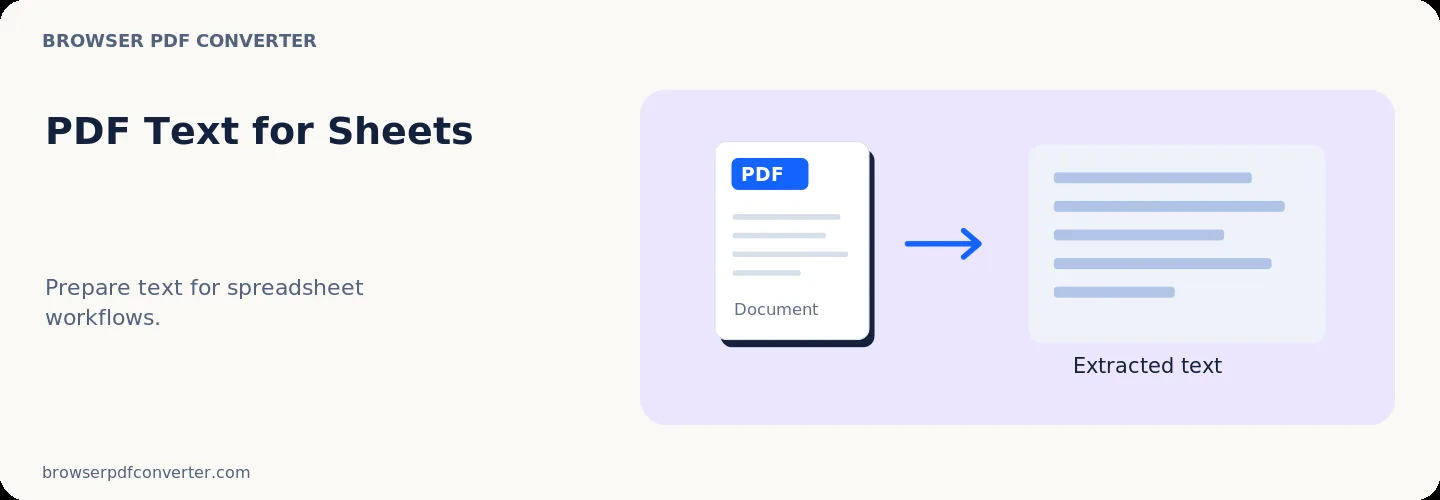
Export extracted PDF text to CSV-like output for spreadsheet workflows. The workspace keeps previews, controls, and downloads together without confusing steps.

100% Private

Files stay on your device and are never uploaded to an external server.

Fast execution

PDF to Excel runs on your device with WebAssembly and modern browser APIs.

No account required

Use the tool without registration, subscriptions, or hidden queues.

Quick guide

3 simple steps

1

Add your file

Select or drop your file into PDF to Excel. Previews and processing stay in your browser.

2

Adjust settings

Customize pages, order, quality, or formatting before processing.

3

Process and download

Run the action and download the result directly to your device.

Practical guide

When and how to use PDF to Excel

PDF to Excel extracts tabular data, balance sheets, and row-and-column data from PDF documents into editable XLSX workbooks. It eliminates tedious manual data entry and copying errors when working with financial statements and invoices.

Data extraction happens locally on your machine, ensuring financial privacy.

Best used for

  • Extracting financial reports and tax summaries into spreadsheets
  • Importing invoice line items into accounting software
  • Reusing research survey tables for statistical analysis

Quality checklist

  • Verify column alignment and numeric values against source tables
  • Confirm decimal separators and date formats
  • Review merged cells in headers

Related actions

Similar PDF tools you might need

Browse all

FAQ

Frequently asked questions

Does this work on scanned tables?

For scanned PDFs, run OCR first so text and numbers can be detected accurately.

Are numbers formatted as real spreadsheet values?

Yes. Extracted numbers are placed into spreadsheet cells suitable for formulas and calculations.

Is this PDF tool free to use?

Yes. Every tool here is free and works directly in your browser with no account required.

Are my files uploaded to a server?

No. Files are processed locally in your browser. Your data stays on your device.