PDF to Word

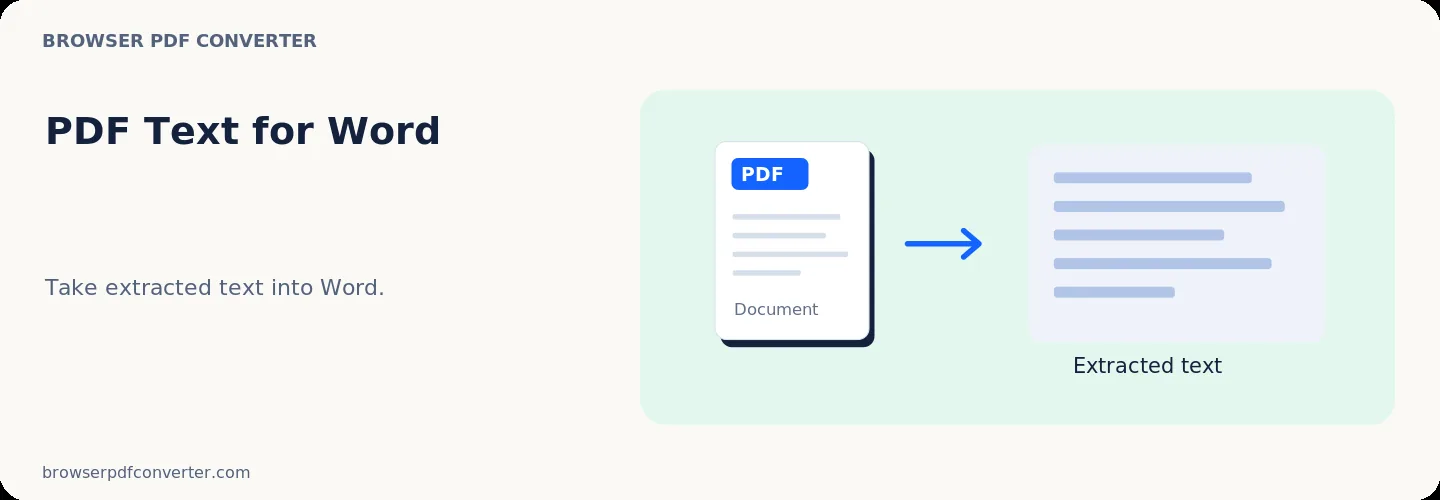
Notice: Extracts text content into an editable DOCX file directly in browser. Complex multi-column magazine layouts or embedded vector drawings may require formatting adjustments.

Visual workflow guide

How PDF to Word organizes your document

PDF to Word workspace reference

About this tool

Clear, private processing

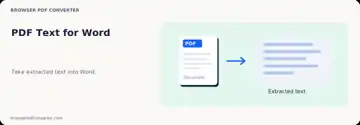
Export extracted PDF text into DOC-compatible plain text output. The workspace keeps previews, controls, and downloads together without confusing steps.

100% Private

Files stay on your device and are never uploaded to an external server.

Fast execution

PDF to Word runs on your device with WebAssembly and modern browser APIs.

No account required

Use the tool without registration, subscriptions, or hidden queues.

Quick guide

3 simple steps

1

Add your file

Select or drop your file into PDF to Word. Previews and processing stay in your browser.

2

Adjust settings

Customize pages, order, quality, or formatting before processing.

3

Process and download

Run the action and download the result directly to your device.

Practical guide

When and how to use PDF to Word

PDF to Word extracts readable text into a DOCX file so it can be revised. It works best on digitally generated PDFs with a straightforward, single-column reading order.

PDF stores page appearance rather than the original word-processing structure, so exact fonts, columns, floating objects, and spacing cannot always be reconstructed.

Best used for

  • Reusing paragraphs from a digital PDF
  • Creating an editable first draft
  • Recovering text when the source document is unavailable

Quality checklist

  • Use OCR first for scanned pages
  • Compare headings and tables with the source
  • Treat the output as an editable draft
Related actions

Similar PDF tools you might need

Browse all

FAQ

Frequently asked questions

Why does the Word layout differ from the PDF?

A PDF describes positioned page elements, not Word paragraphs and styles. The editable structure has to be inferred.

Can it convert a scanned PDF?

A scan contains images rather than digital text. Run OCR first, then review the recognized text carefully.

Is this PDF tool free to use?

Yes. Every tool here is free and works directly in your browser with no account required.

Are my files uploaded to a server?

No. Files are processed locally in your browser. Your data stays on your device.