Merge PDF

Visual workflow guide

How Merge PDF organizes your document

Merge PDF workspace reference

About this tool

Clear, private processing

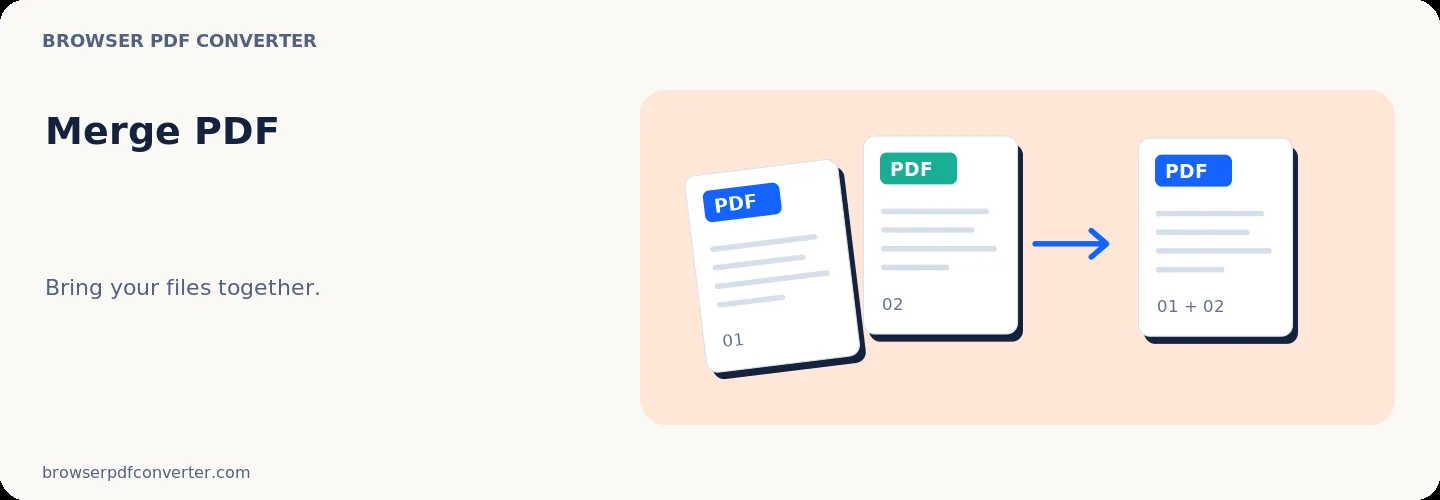
Combine multiple PDF files into one document in the exact order you choose. The workspace keeps previews, controls, and downloads together without confusing steps.

100% Private

Files stay on your device and are never uploaded to an external server.

Fast execution

Merge PDF runs on your device with WebAssembly and modern browser APIs.

No account required

Use the tool without registration, subscriptions, or hidden queues.

Quick guide

3 simple steps

1

Add your file

Select or drop your file into Merge PDF. Previews and processing stay in your browser.

2

Adjust settings

Customize pages, order, quality, or formatting before processing.

3

Process and download

Run the action and download the result directly to your device.

Practical guide

When and how to use Merge PDF

Merge PDF combines complete documents without flattening their pages into screenshots. Arrange the files before processing so the final PDF follows the reading order you need.

This is useful when a submission portal accepts one attachment but your material is spread across a cover sheet, form, evidence, and appendix.

Best used for

  • Combining invoices or monthly reports
  • Bundling an application with supporting documents
  • Joining chapters exported by different apps

Quality checklist

  • Put the cover document first
  • Open the result and check the page boundaries
  • Compress the merged file only after the order is final

Related actions

Similar PDF tools you might need

Browse all

FAQ

Frequently asked questions

Does merging change the order inside each PDF?

No. Pages within each source file retain their order; only the order of the source files changes.

Should I compress before or after merging?

Merge first, verify the page order, and then compress the single result. That avoids repeating compression work.

Is this PDF tool free to use?

Yes. Every tool here is free and works directly in your browser with no account required.

Are my files uploaded to a server?

No. Files are processed locally in your browser. Your data stays on your device.