Protect PDF

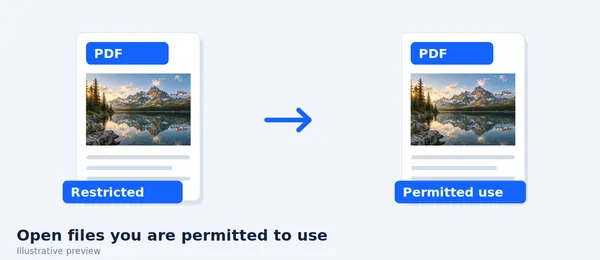
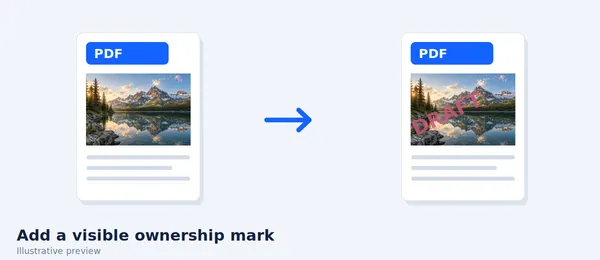
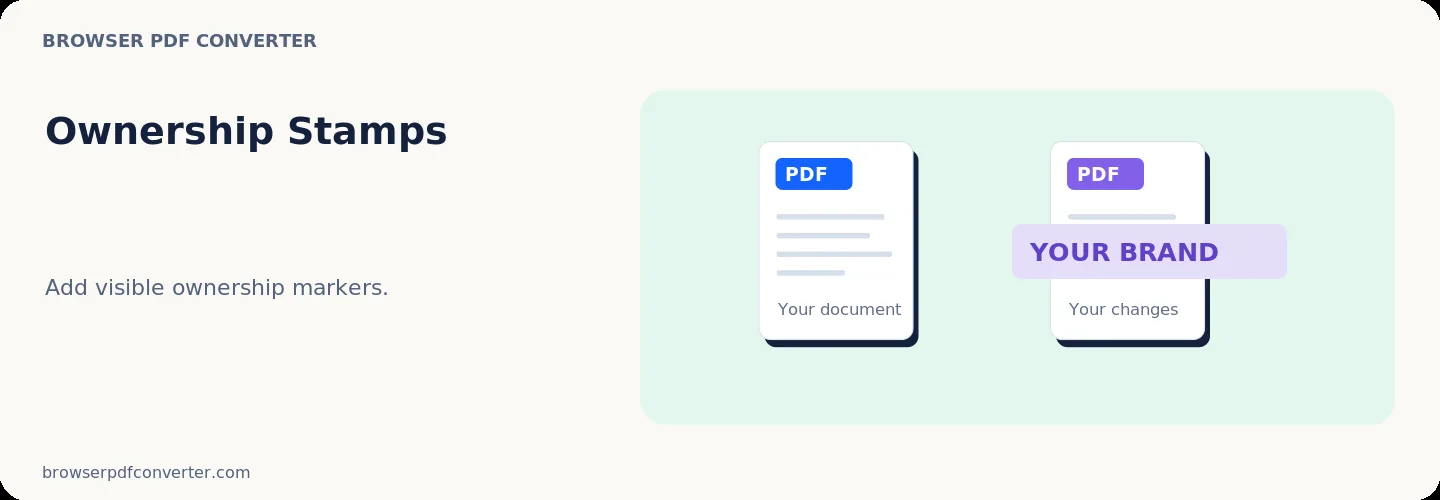
Notice: With a password, this tool applies AES-256 encryption and reader permissions. Without a password, it adds visible ownership and metadata markers only. Always test the result in the reader your recipient will use.

Visual workflow guide

How Protect PDF organizes your document

Protect PDF workspace reference

About this tool

Clear, private processing

Encrypt a PDF with an AES-256 password or add visible ownership markers. The workspace keeps previews, controls, and downloads together without confusing steps.

100% Private

Files stay on your device and are never uploaded to an external server.

Fast execution

Protect PDF runs on your device with WebAssembly and modern browser APIs.

No account required

Use the tool without registration, subscriptions, or hidden queues.

Quick guide

3 simple steps

1

Add your file

Select or drop your file into Protect PDF. Previews and processing stay in your browser.

2

Adjust settings

Customize pages, order, quality, or formatting before processing.

3

Process and download

Run the action and download the result directly to your device.

Practical guide

When and how to use Protect PDF

Protect PDF can encrypt a document with an AES-256 password and set printing or copying permissions. If no password is supplied, it adds visible ownership and metadata markers instead.

Encryption controls who can open the file, while reader permissions communicate allowed actions. PDF applications do not all enforce optional permissions in exactly the same way.

Best used for

  • Labelling internal review copies
  • Adding ownership information
  • Marking documents before controlled sharing

Quality checklist

  • Use a clear recipient or project label
  • Do not include unnecessary personal data
  • Use proper encryption for confidential files

Related actions

Similar PDF tools you might need

Browse all

FAQ

Frequently asked questions

Does this tool encrypt the PDF?

Yes, when you provide a password it applies AES-256 encryption. Without a password it creates a marked copy rather than an encrypted one.

Can PDF permissions stop every form of copying?

No. Reader permissions are not digital-rights management, and screenshots or compatible software may bypass optional restrictions.

Is this PDF tool free to use?

Yes. Every tool here is free and works directly in your browser with no account required.

Are my files uploaded to a server?

No. Files are processed locally in your browser. Your data stays on your device.