Practical guide
When and how to use Sign PDF
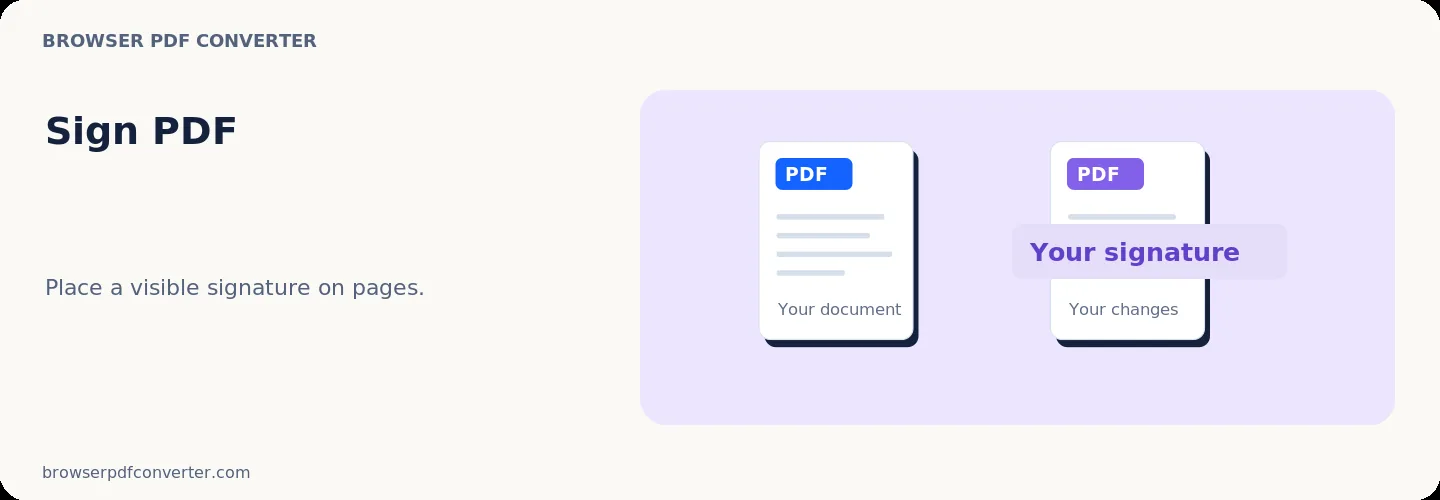
Sign PDF places a drawn or typed signature appearance onto a document page. It is useful when a recipient accepts an ordinary visual signature on a form.
A visible signature image is not the same as a certificate-based digital signature, which cryptographically proves signer identity and detects later changes.
Best used for
- Signing routine consent forms
- Adding initials or approval marks
- Completing informal internal documents
Quality checklist
- Confirm the recipient accepts an electronic image signature
- Place it without hiding nearby text
- Review the complete document before sending