Practical guide
When and how to use Redact PDF
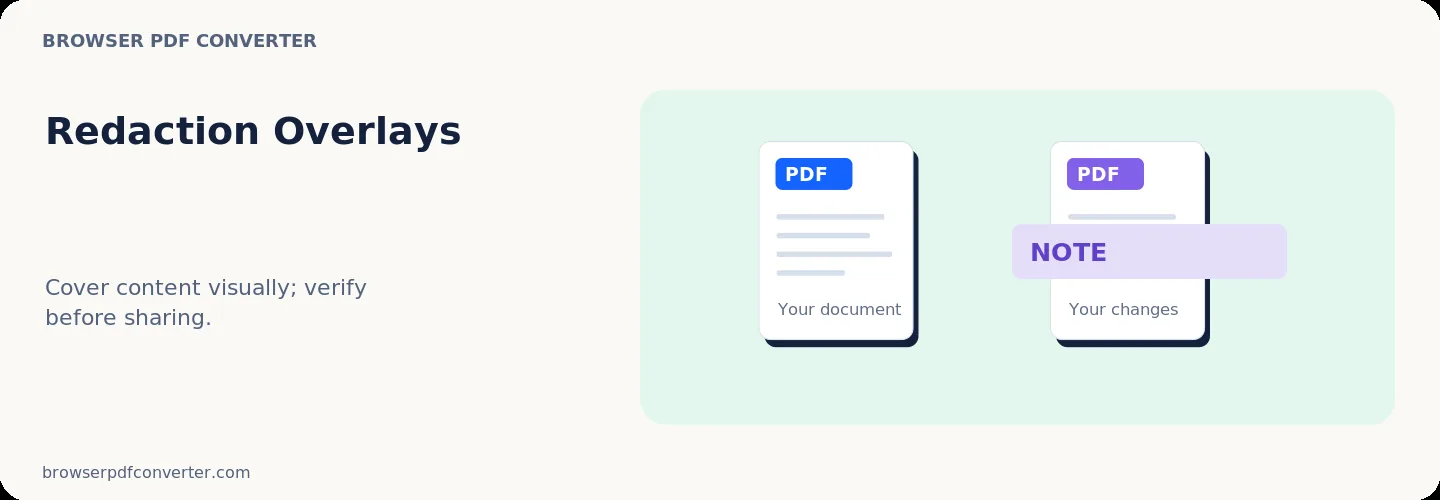
Redact PDF draws opaque areas over content that should not be visible in the rendered page. It can help prepare screenshots or low-risk working copies for review.
Safe redaction requires more than making text look covered: hidden text, annotations, metadata, and earlier document revisions can still expose information.
Best used for
- Masking content in a working copy
- Preparing a visual preview
- Marking areas that need formal redaction
Quality checklist
- Work from a duplicate of the source
- Try selecting or searching beneath each mark
- Use specialist software for confidential disclosures