Practical guide
When and how to use HTML to PDF
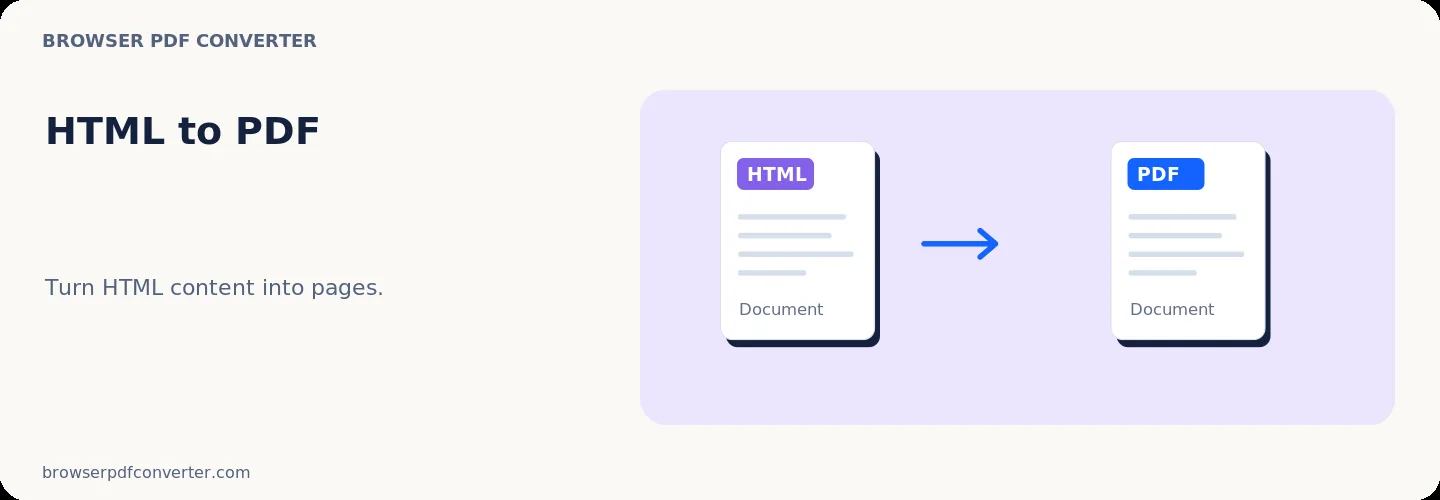
HTML to PDF renders HTML documents, newsletters, and web page markup into high-fidelity PDF pages. It preserves CSS styling, fonts, tables, and images while applying proper print pagination.
All rendering occurs in your browser without requiring external server-side headless browsers.
Best used for
- Archiving email receipts and newsletters
- Saving online documentation as offline PDF files
- Converting HTML invoices into fixed-layout records
Quality checklist
- Ensure image assets use absolute or data URLs for offline rendering
- Use print-friendly CSS styles where possible
- Check page break points to avoid cut-off text