Practical guide
When and how to use PNG to PDF
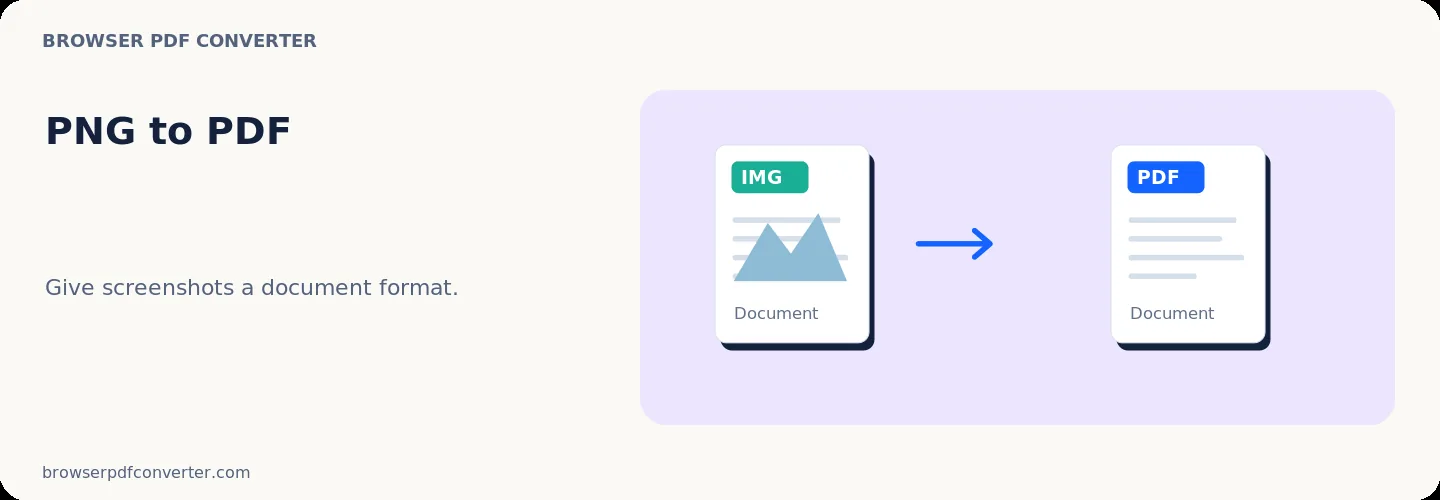
PNG to PDF converts PNG graphics, screenshots, and artwork into high-quality PDF pages. It is ideal for preserving sharp text, diagram vectors, and transparency without lossy compression artifacts.
Each PNG image is rendered cleanly as a document page ready for archival or distribution.
Best used for
- Converting UI mockups and design mockups to PDF
- Assembling screenshots into a software guide
- Submitting high-contrast diagrams or charts
Quality checklist
- Arrange PNGs in intended page order
- Confirm image resolution is adequate for printing
- Check that transparent backgrounds render with expected white backing