Compress PDF

Visual workflow guide

How Compress PDF organizes your document

Compress PDF workspace reference

About this tool

Clear, private processing

Optimize PDF structure to reduce file size where possible. The workspace keeps previews, controls, and downloads together without confusing steps.

100% Private

Files stay on your device and are never uploaded to an external server.

Fast execution

Compress PDF runs on your device with WebAssembly and modern browser APIs.

No account required

Use the tool without registration, subscriptions, or hidden queues.

Quick guide

3 simple steps

1

Add your file

Select or drop your file into Compress PDF. Previews and processing stay in your browser.

2

Adjust settings

Customize pages, order, quality, or formatting before processing.

3

Process and download

Run the action and download the result directly to your device.

Practical guide

When and how to use Compress PDF

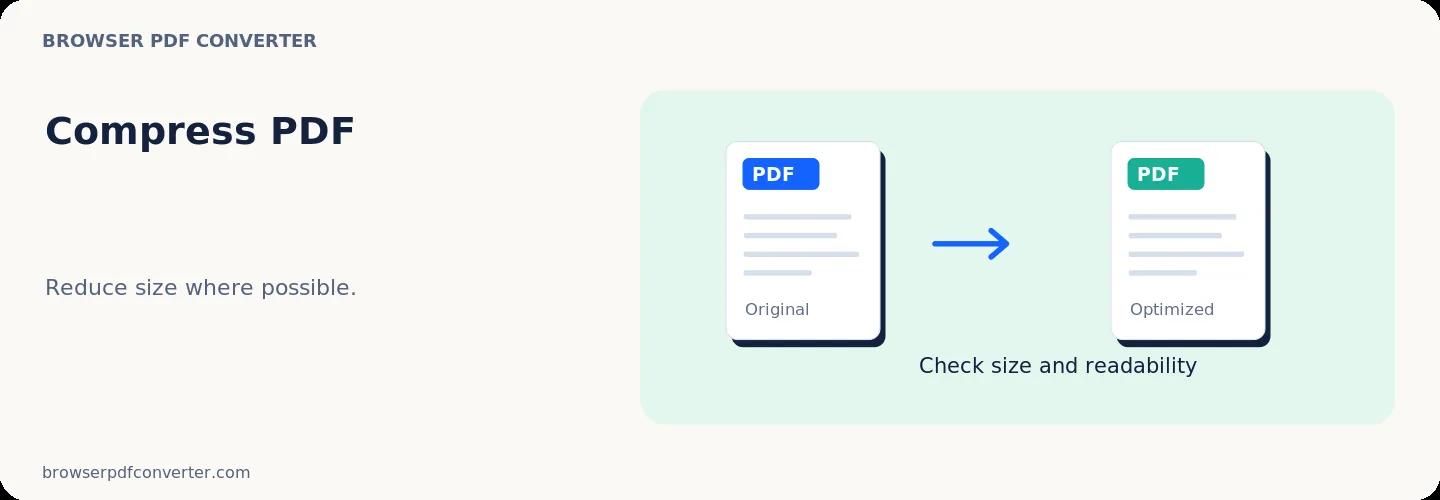
Compress PDF rebuilds document content to reduce storage and upload size where the source allows it. Image-heavy scans usually offer more savings than text-only PDFs that are already optimized.

A smaller file is not automatically a better file: use the lightest reduction that still leaves fine text, signatures, and diagrams readable.

Best used for

  • Meeting email attachment limits
  • Preparing forms for upload portals
  • Reducing scanned document storage

Quality checklist

  • Compare the before-and-after file sizes
  • Zoom in on small text before sharing
  • Keep an original for printing and archiving

Related actions

Similar PDF tools you might need

Browse all

FAQ

Frequently asked questions

Why did my PDF shrink only a little?

The file may already be optimized, or most of its content may be text and vectors rather than large images.

Can compression make text blurry?

Digital text usually remains sharp, but text embedded in scanned images can soften. Inspect scan-heavy pages at 100% zoom.

Is this PDF tool free to use?

Yes. Every tool here is free and works directly in your browser with no account required.

Are my files uploaded to a server?

No. Files are processed locally in your browser. Your data stays on your device.