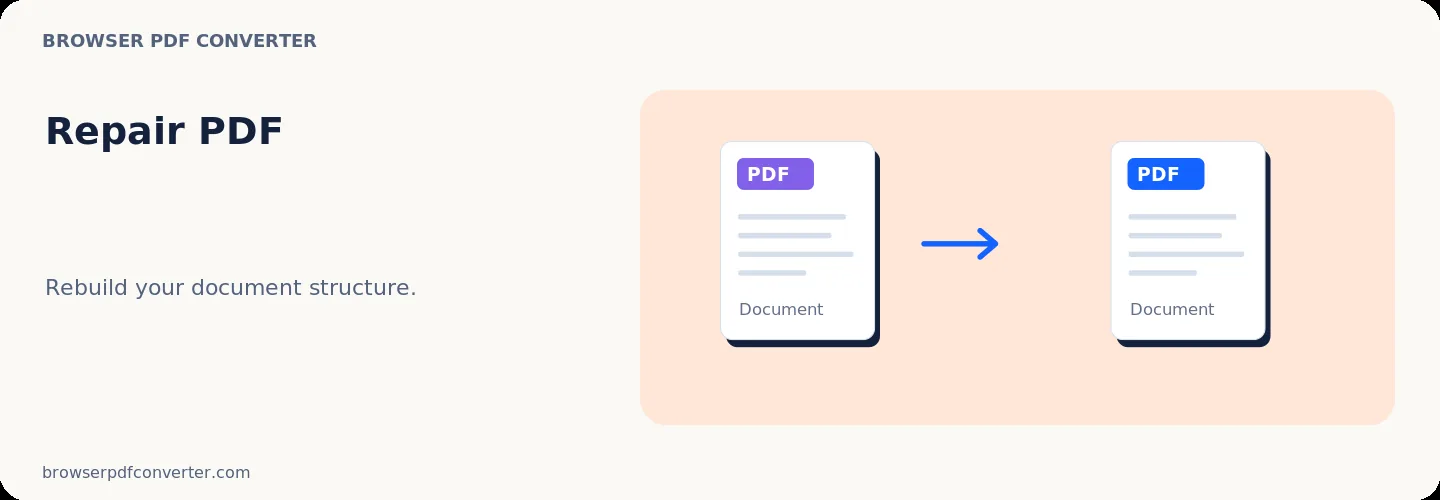
Repair PDF

Visual workflow guide

How Repair PDF organizes your document

Repair PDF workspace reference

About this tool

Clear, private processing

Recover and rebuild PDF files by re-saving document structure safely. The workspace keeps previews, controls, and downloads together without confusing steps.

100% Private

Files stay on your device and are never uploaded to an external server.

Fast execution

Repair PDF runs on your device with WebAssembly and modern browser APIs.

No account required

Use the tool without registration, subscriptions, or hidden queues.

Quick guide

3 simple steps

1

Add your file

Select or drop your file into Repair PDF. Previews and processing stay in your browser.

2

Adjust settings

Customize pages, order, quality, or formatting before processing.

3

Process and download

Run the action and download the result directly to your device.

Practical guide

When and how to use Repair PDF

Repair PDF inspects corrupted or truncated PDF files, recovers readable cross-reference tables, and reconstructs valid document objects. It helps restore access to broken files received via email or damaged during interrupted downloads.

The repair routine attempts client-side reconstruction without transmitting your sensitive document data across the internet.

Best used for

  • Opening PDFs corrupted during download or transfer
  • Fixing files with broken cross-reference tables
  • Recovering content from partially unreadable documents

Quality checklist

  • Always retain the original broken file as a backup
  • Check the repaired document page by page for missing elements
  • Re-save or re-export the recovered file

Related actions

Similar PDF tools you might need

Browse all

FAQ

Frequently asked questions

Can all broken PDFs be repaired?

Repair works when essential page streams and text blocks remain intact, but cannot recover bytes that were permanently lost.

Will repairing a PDF restore deleted content?

No. Repair reconstructs damaged file structures; it does not undelete previously purged content.

Is this PDF tool free to use?

Yes. Every tool here is free and works directly in your browser with no account required.

Are my files uploaded to a server?

No. Files are processed locally in your browser. Your data stays on your device.