OCR PDF

Notice: OCR runs locally in your browser via Tesseract.js. High-resolution, well-lit scans provide the best recognition results without uploading your documents to any cloud server.

Visual workflow guide

How OCR PDF organizes your document

OCR PDF workspace reference

About this tool

Clear, private processing

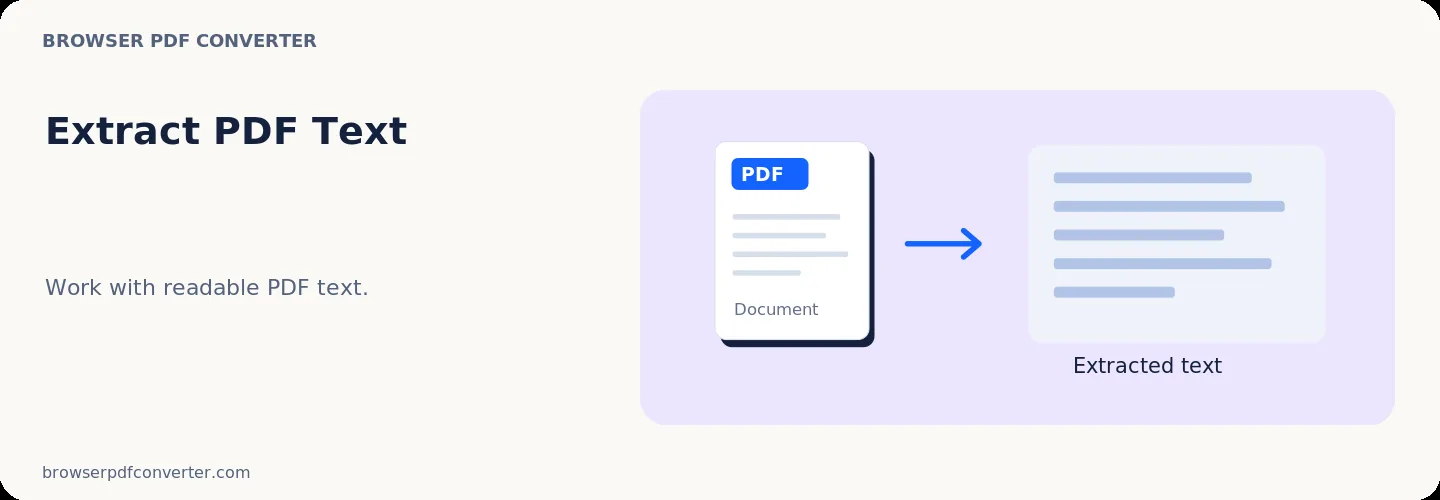
Extract readable text from text-based PDF pages into plain text. The workspace keeps previews, controls, and downloads together without confusing steps.

100% Private

Files stay on your device and are never uploaded to an external server.

Fast execution

OCR PDF runs on your device with WebAssembly and modern browser APIs.

No account required

Use the tool without registration, subscriptions, or hidden queues.

Quick guide

3 simple steps

1

Add your file

Select or drop your file into OCR PDF. Previews and processing stay in your browser.

2

Adjust settings

Customize pages, order, quality, or formatting before processing.

3

Process and download

Run the action and download the result directly to your device.

Practical guide

When and how to use OCR PDF

OCR PDF recognizes characters in scanned pages and photographs using an on-device OCR engine. It is intended for recovering text that cannot be selected in the original file.

Recognition quality depends on the scan: straight pages, strong contrast, adequate resolution, and the correct language produce substantially better results.

Best used for

  • Extracting text from scanned paperwork
  • Making old notes easier to reuse
  • Checking a scan before data entry

Quality checklist

  • Rotate and crop the scan first
  • Use clear images at roughly 300 DPI
  • Proofread names, numbers, and punctuation

Related actions

Similar PDF tools you might need

Browse all

FAQ

Frequently asked questions

Why are some OCR words incorrect?

Blur, skew, handwriting, decorative fonts, low contrast, and mixed languages can all reduce recognition accuracy.

Does OCR preserve the exact page layout?

The tool focuses on recognizing text. Complex columns, tables, and visual formatting may not be reconstructed exactly.

Is this PDF tool free to use?

Yes. Every tool here is free and works directly in your browser with no account required.

Are my files uploaded to a server?

No. Files are processed locally in your browser. Your data stays on your device.