Translate PDF

Notice: Extracts document text locally for your own translation workflow. Offline browser-side neural translation models are not included without cloud APIs.

Visual workflow guide

How Translate PDF organizes your document

Translate PDF workspace reference

About this tool

Clear, private processing

Extract PDF text and prepare it for translation workflows. The workspace keeps previews, controls, and downloads together without confusing steps.

100% Private

Files stay on your device and are never uploaded to an external server.

Fast execution

Translate PDF runs on your device with WebAssembly and modern browser APIs.

No account required

Use the tool without registration, subscriptions, or hidden queues.

Quick guide

3 simple steps

1

Add your file

Select or drop your file into Translate PDF. Previews and processing stay in your browser.

2

Adjust settings

Customize pages, order, quality, or formatting before processing.

3

Process and download

Run the action and download the result directly to your device.

Practical guide

When and how to use Translate PDF

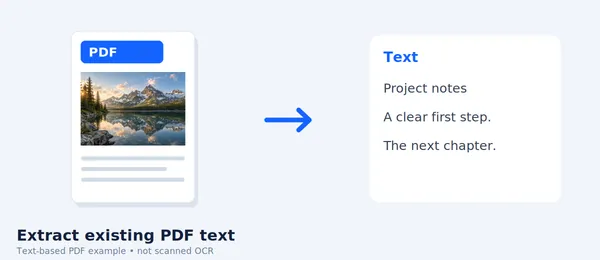
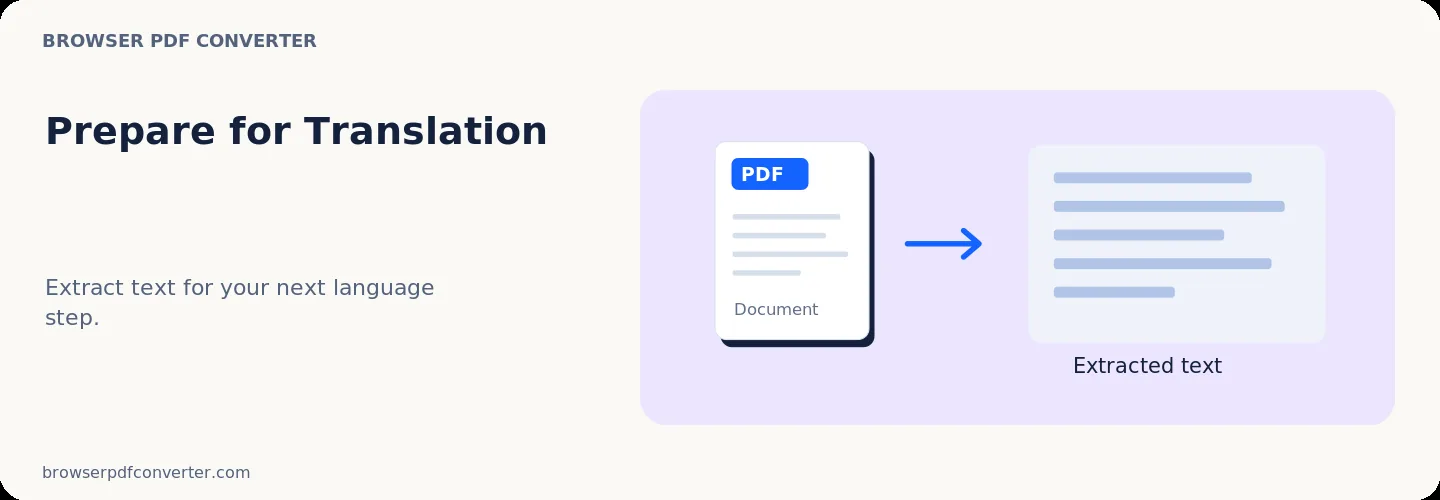
Translate PDF extracts document text and paragraphs from PDF files, organizing content into structured blocks ready for translation workflows. It allows you to extract foreign-language text, translate passages, and prepare translated document copies.

Text extraction and translation processing operate privately without third-party data tracking.

Best used for

  • Extracting text from foreign-language manuals and guides
  • Preparing international contract clauses for review
  • Translating foreign-language academic papers and reports

Quality checklist

  • For scanned documents, run OCR PDF first to recognize characters
  • Review translated paragraphs against the original layout
  • Keep original language copies alongside translated versions

Related actions

Similar PDF tools you might need

Browse all

FAQ

Frequently asked questions

Does this tool support scanned PDFs?

Scanned documents require OCR processing first so text can be extracted for translation.

How are large documents handled?

The tool extracts text page by page, allowing you to translate complete documents or selected sections.

Is this PDF tool free to use?

Yes. Every tool here is free and works directly in your browser with no account required.

Are my files uploaded to a server?

No. Files are processed locally in your browser. Your data stays on your device.