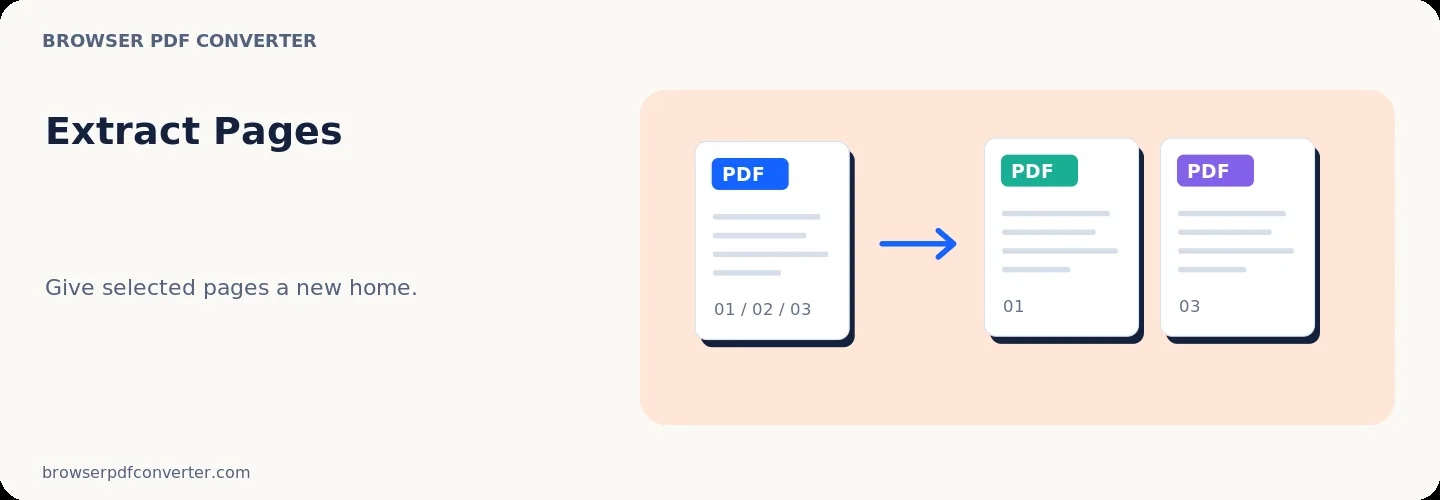
Extract Pages

Visual workflow guide

How Extract Pages organizes your document

Extract Pages workspace reference

About this tool

Clear, private processing

Extract specific pages from a PDF into a new standalone PDF. The workspace keeps previews, controls, and downloads together without confusing steps.

100% Private

Files stay on your device and are never uploaded to an external server.

Fast execution

Extract Pages runs on your device with WebAssembly and modern browser APIs.

No account required

Use the tool without registration, subscriptions, or hidden queues.

Quick guide

3 simple steps

1

Add your file

Select or drop your file into Extract Pages. Previews and processing stay in your browser.

2

Adjust settings

Customize pages, order, quality, or formatting before processing.

3

Process and download

Run the action and download the result directly to your device.

Practical guide

When and how to use Extract Pages

Extract Pages pulls selected pages from an existing document and saves them as a new, focused PDF. This is ideal when you need to send only a certificate, table, or single chapter from a massive bundle.

Extracted pages maintain their original vector quality, typography, and embedded elements without full document recompression.

Best used for

  • Extracting specific receipts or bank statement pages
  • Sharing only the relevant chapter of a manual
  • Pulling out signed signature pages for submission

Quality checklist

  • Verify that extracted pages contain all necessary context
  • Check page numbering in the new output file
  • Review file size if extracting image-heavy pages

Related actions

Similar PDF tools you might need

Browse all

FAQ

Frequently asked questions

Will the original file be altered when extracting pages?

No. Extraction generates a new PDF file and leaves your source file completely untouched.

Can I extract several pages into a single new file?

Yes. All selected pages are exported together into a single organized document.

Is this PDF tool free to use?

Yes. Every tool here is free and works directly in your browser with no account required.

Are my files uploaded to a server?

No. Files are processed locally in your browser. Your data stays on your device.