Practical guide
When and how to use Organize PDF
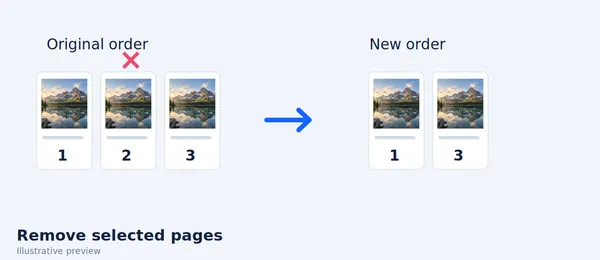
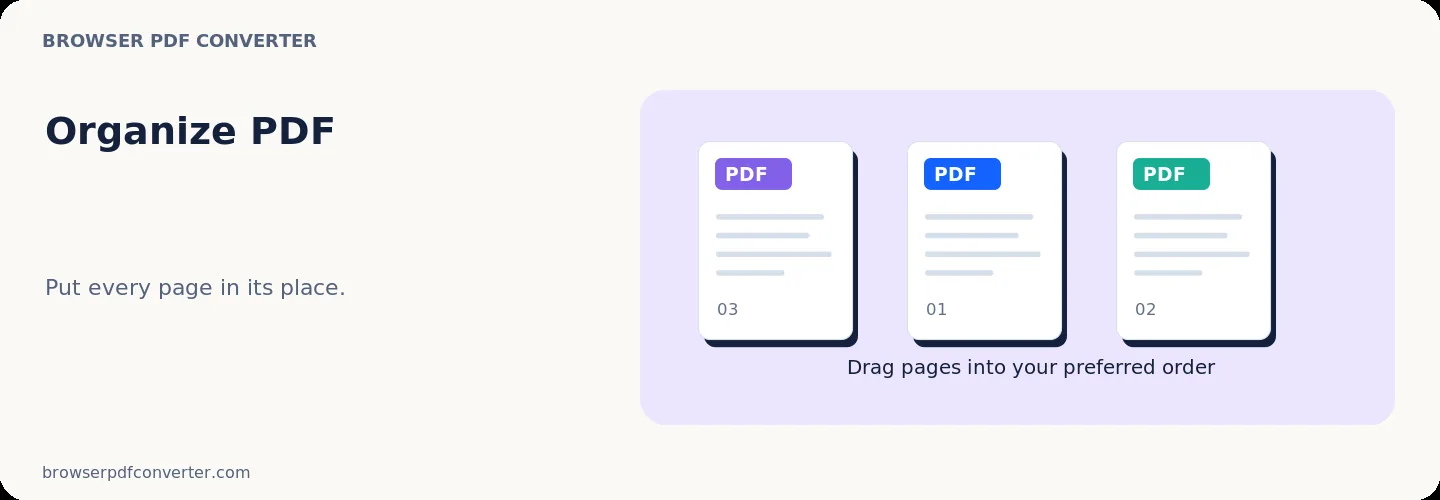
Organize PDF lets you visually reorder, drag, and reorganize pages to ensure your document reads in the correct sequence. It solves scanning mishaps, misordered contract pages, and disordered reports.
The entire rearrangement process happens directly in your browser without uploading your sensitive records to external cloud servers.
Best used for
- Fixing backwards or scrambled scanner output
- Rearranging appendix sections before client delivery
- Moving executive summaries to the start of a report
Quality checklist
- Review page flow sequentially using visual thumbnails
- Verify landscape and portrait page alignments
- Download and check reading order before distribution