WebP to PDF

Visual workflow guide

How WebP to PDF organizes your document

WebP to PDF workspace reference

About this tool

Clear, private processing

Turn WebP images into PDF files with private in-browser processing. The workspace keeps previews, controls, and downloads together without confusing steps.

100% Private

Files stay on your device and are never uploaded to an external server.

Fast execution

WebP to PDF runs on your device with WebAssembly and modern browser APIs.

No account required

Use the tool without registration, subscriptions, or hidden queues.

Quick guide

3 simple steps

1

Add your file

Select or drop your file into WebP to PDF. Previews and processing stay in your browser.

2

Adjust settings

Customize pages, order, quality, or formatting before processing.

3

Process and download

Run the action and download the result directly to your device.

Practical guide

When and how to use WebP to PDF

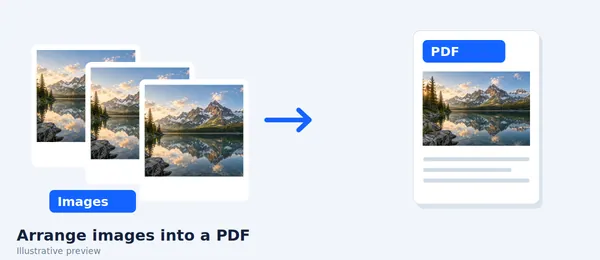
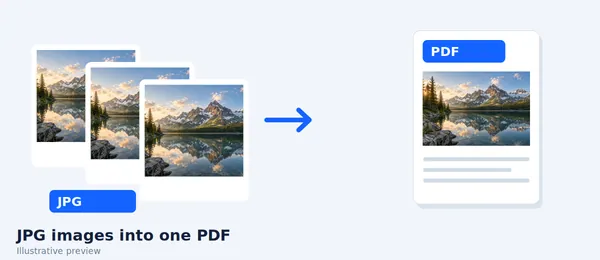
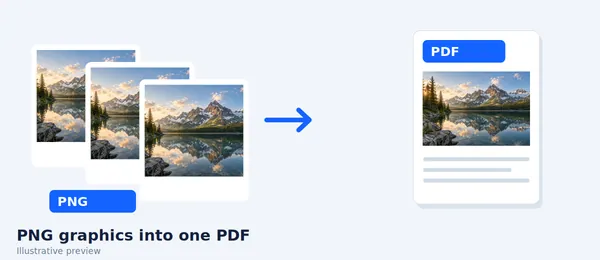
WebP to PDF turns modern WebP images into universally viewable PDF pages. WebP is standard across web browsers, but many submission systems and document viewers still require standard PDF files.

Conversion converts each WebP graphic into a clean document page on your local device.

Best used for

  • Submitting web-saved images to formal document portals
  • Packaging downloaded web graphics into a printable guide
  • Converting modern web captures into universal PDF files

Quality checklist

  • Sort images into proper order before converting
  • Check image dimensions and orientation
  • Open the PDF to verify image clarity

Related actions

Similar PDF tools you might need

Browse all

FAQ

Frequently asked questions

Why convert WebP to PDF?

Many government, academic, and business upload portals reject WebP files but accept universal PDF format.

Will conversion reduce visual quality?

No. The images are embedded into the PDF preserving their original visual fidelity.

Is this PDF tool free to use?

Yes. Every tool here is free and works directly in your browser with no account required.

Are my files uploaded to a server?

No. Files are processed locally in your browser. Your data stays on your device.