PDF to Markdown
PDF to Markdown
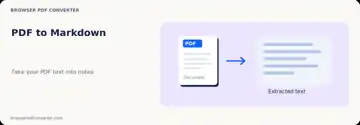
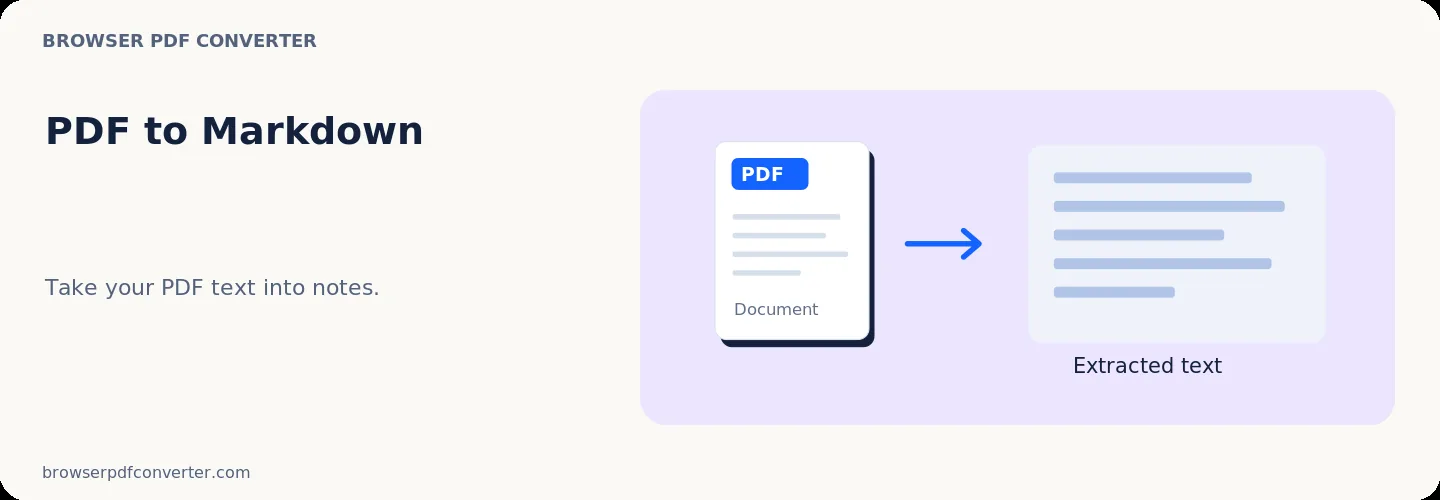
Extract PDF text into a Markdown document with page sections.
or drop PDF here
Visual workflow guide
How PDF to Markdown organizes your document
About this tool
Clearer, private processing
Extract PDF text into a Markdown document with page sections. The workspace keeps real file preview, parameter controls, and output downloads in one clear screen without confusing ads or multi-step queues.
100% Private
Files stay strictly on your local device. No files are uploaded to external servers.
Fast execution
The PDF to Markdown workspace executes client-side using WebAssembly and modern browser APIs.
No account required
Start using this tool immediately without sign-up, subscriptions, or hidden queue limits.
Quick guide
3 simple steps
Add your file
Select or drop your file into PDF to Markdown. Previews and processing are handled entirely within your browser.
Adjust settings
Customize pages, order, quality, or formatting options in the controls panel before running.
Process & download
Execute the action instantly and download the resulting file directly to your device.
Related actions
Similar PDF tools you might need

PDF to JPG
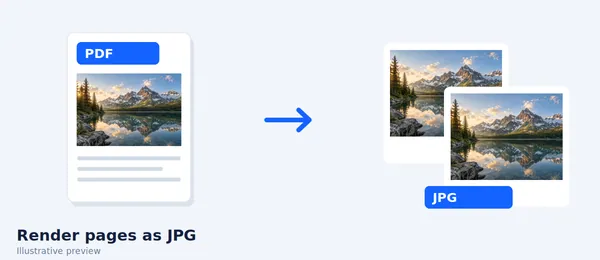
Render PDF pages as JPG images directly in your browser.

PDF to PNG
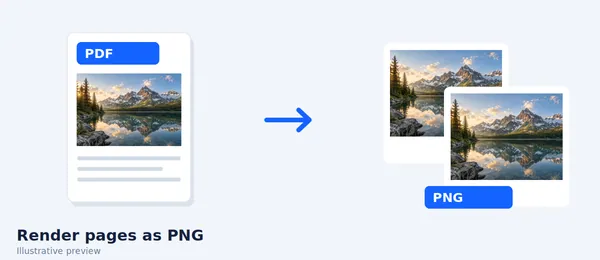
Render PDF pages as PNG images directly in your browser.

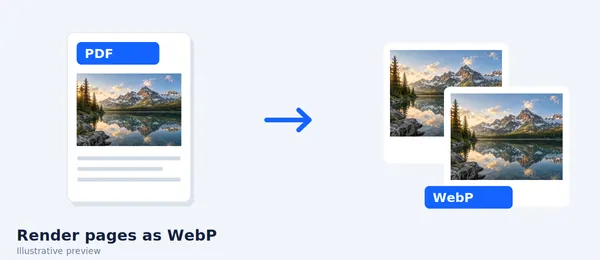
PDF to WebP
Export PDF pages as lightweight WebP images in your browser.

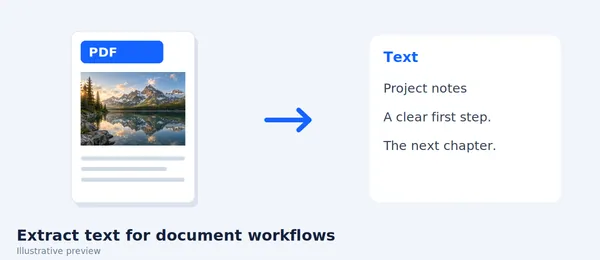
PDF to Word
Export PDF text into a DOCX file (text-only, client-side).
FAQ
Frequently asked questions
Is this PDF tool free to use?
Yes. Every tool here is free and works directly in your browser with no account required.
Are my files uploaded to a server?
No. Files are processed locally in your browser. Your data stays on your device.
Can I process multiple files at once?
Yes. Tools like Merge PDF, JPG to PDF, and comparison workflows support multiple file selection.