Practical guide
When and how to use Crop PDF
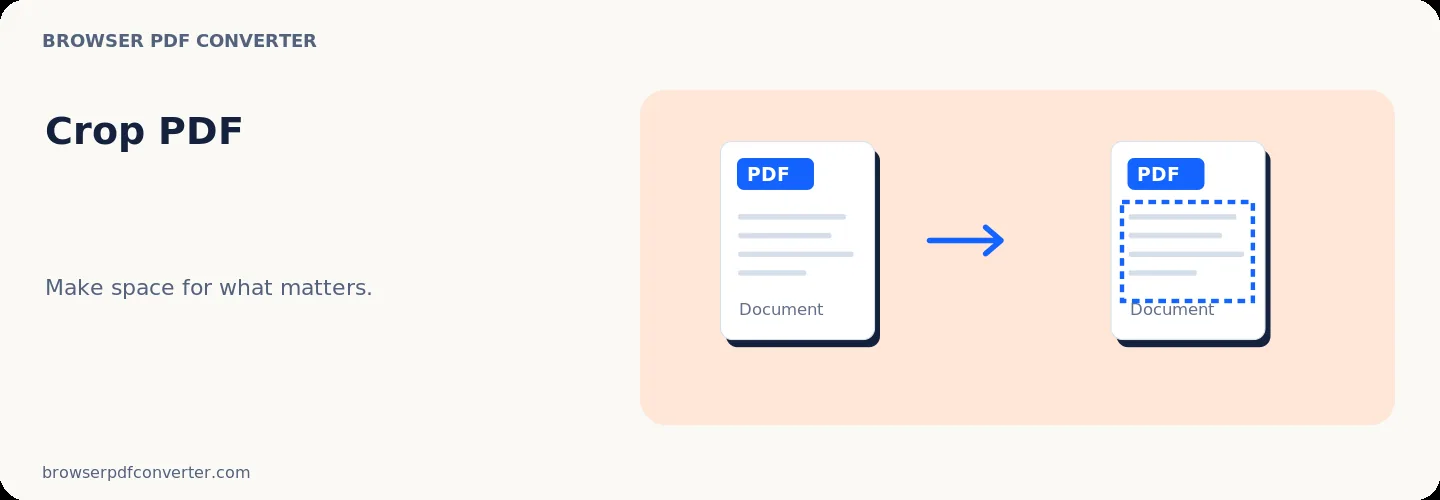
Crop PDF lets you trim unwanted white borders, cut off scanner shadows, or focus on a specific region across document pages. It helps optimize documents for mobile screens and remove printer crop marks.
Cropping adjustments occur directly in your browser without uploading files.
Best used for
- Trimming scanning borders and punch-hole marks
- Optimizing wide margins for e-readers and tablet viewing
- Cropping out unwanted edge artifacts on photographed paperwork
Quality checklist
- Leave sufficient margin around text so content is not clipped when printed
- Check all pages to confirm uniform margins
- Download and review on mobile to test readability