PDF to JSON

Visual workflow guide

How PDF to JSON organizes your document

PDF to JSON workspace reference

About this tool

Clear, private processing

Extract PDF text and page information into JSON. The workspace keeps previews, controls, and downloads together without confusing steps.

100% Private

Files stay on your device and are never uploaded to an external server.

Fast execution

PDF to JSON runs on your device with WebAssembly and modern browser APIs.

No account required

Use the tool without registration, subscriptions, or hidden queues.

Quick guide

3 simple steps

1

Add your file

Select or drop your file into PDF to JSON. Previews and processing stay in your browser.

2

Adjust settings

Customize pages, order, quality, or formatting before processing.

3

Process and download

Run the action and download the result directly to your device.

Practical guide

When and how to use PDF to JSON

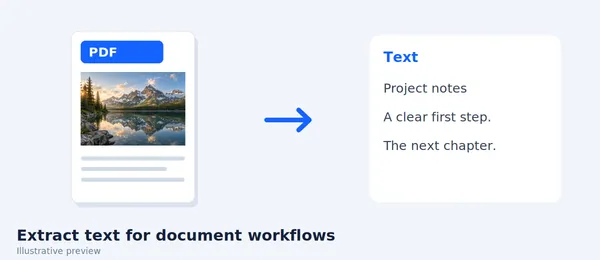
PDF to JSON extracts document metadata, page outlines, text streams, and structural blocks into clean, structured JSON. It provides an automated bridge for developers, data engineers, and AI workflows ingesting PDF data.

Processing runs locally in your browser, keeping sensitive enterprise payloads secure.

Best used for

  • Feeding document text into LLM and AI processing pipelines
  • Extracting metadata and document properties programmatically
  • Parsing structured reports for database ingestion

Quality checklist

  • Review JSON hierarchy for page numbering and text blocks
  • Validate extracted metadata fields
  • Test sample outputs before building large automated pipelines

Related actions

Similar PDF tools you might need

Browse all

FAQ

Frequently asked questions

What information does the JSON output contain?

The JSON output contains document metadata, page counts, structured text blocks, and font properties.

Can I use this for AI prompt context?

Yes. Structured JSON output provides clean text blocks ideal for feeding into AI context windows.

Is this PDF tool free to use?

Yes. Every tool here is free and works directly in your browser with no account required.

Are my files uploaded to a server?

No. Files are processed locally in your browser. Your data stays on your device.