Header & Footer

Visual workflow guide

How Header & Footer organizes your document

Header & Footer workspace reference

About this tool

Clear, private processing

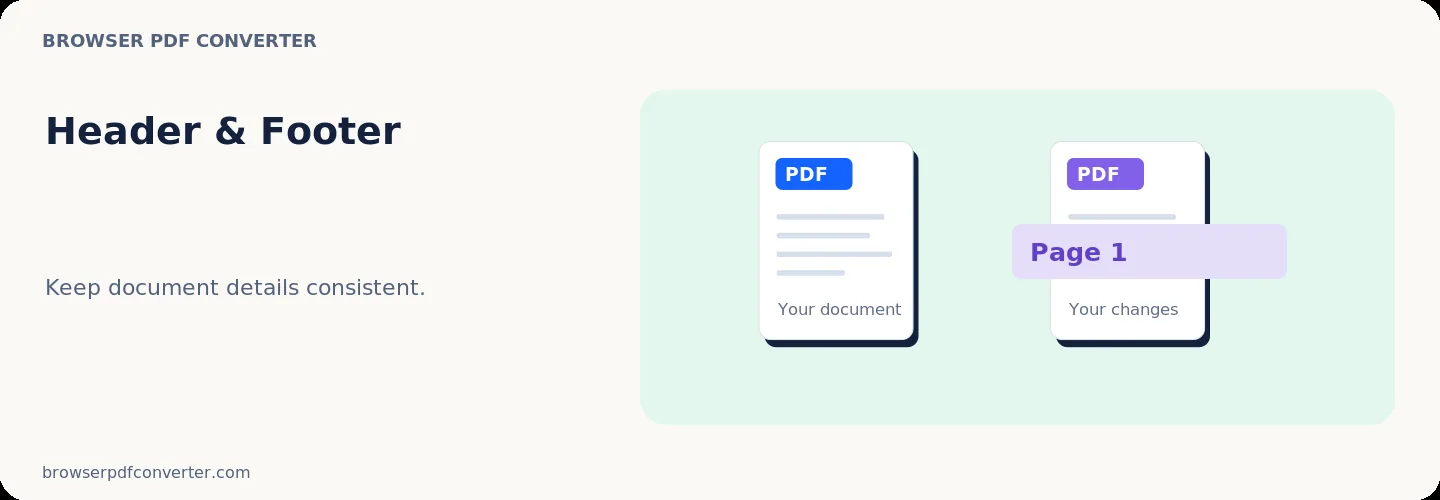
Add repeating top and bottom text with optional page numbers. The workspace keeps previews, controls, and downloads together without confusing steps.

100% Private

Files stay on your device and are never uploaded to an external server.

Fast execution

Header & Footer runs on your device with WebAssembly and modern browser APIs.

No account required

Use the tool without registration, subscriptions, or hidden queues.

Quick guide

3 simple steps

1

Add your file

Select or drop your file into Header & Footer. Previews and processing stay in your browser.

2

Adjust settings

Customize pages, order, quality, or formatting before processing.

3

Process and download

Run the action and download the result directly to your device.

Practical guide

When and how to use Header & Footer

Header and Footer allows you to stamp custom text, project labels, confidentiality notices, and dates across the top or bottom margins of your PDF. It provides consistent branding and compliance labeling across multi-page files.

All stamping is applied locally in your browser for absolute privacy.

Best used for

  • Adding confidentiality notices (e.g., 'Confidential - Internal Only')
  • Stamping project codes, revision dates, or department names
  • Adding consistent headers across disparate merged documents

Quality checklist

  • Set margins carefully so headers do not collide with document titles
  • Preview both odd and even pages before exporting
  • Use concise text to avoid clipping on narrow pages

Related actions

Similar PDF tools you might need

Browse all

FAQ

Frequently asked questions

Can I have different headers and footers on different pages?

You can select whether headers appear on all pages or skip cover pages.

Does adding headers increase file size significantly?

No. Vector text stamps add negligible file size to the resulting PDF.

Is this PDF tool free to use?

Yes. Every tool here is free and works directly in your browser with no account required.

Are my files uploaded to a server?

No. Files are processed locally in your browser. Your data stays on your device.